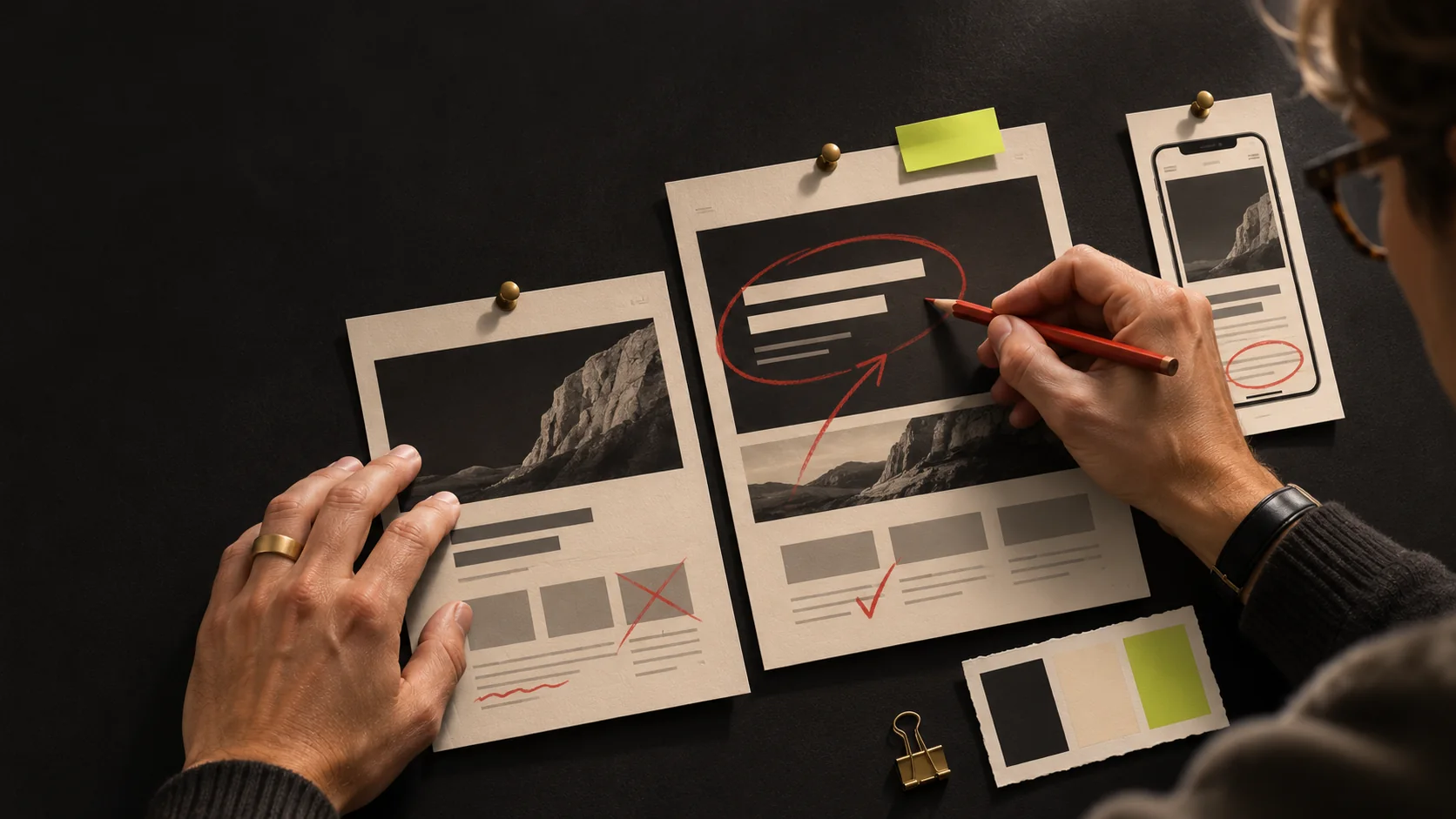
We build websites at webs.ie with an AI assistant doing the assembly and people doing the checking. The assistant puts pages together and writes code. A person decides what the site must do, supplies or verifies every fact on it, reads every line, and tries it on a phone before it goes live. This page walks through those steps on real sites, with the measurements we took, so you can ask any web designer in Ireland, us included, the same questions.
Current prices, from the webs.ie homepage (read 4 November 2026): a one-page website is €299 and a small website is €599, both one-off, with no monthly fee on builds. The homepage says a working preview arrives within seven days once we have your photos and text.
What the AI does and what it does not decide
We work with an AI model, Claude from Anthropic, as a coding assistant. It assembles pages from parts we have already tested, writes the code that joins them, and runs our check scripts. It does not decide what a business is for, what it charges, or what is true about it. Those come from the person we are building for.
The reason is practical. A model writes a fluent sentence whether or not it is right, and it will happily produce an opening time or a price that looks plausible. So the facts on a page never come from the model, and a person reads the result.
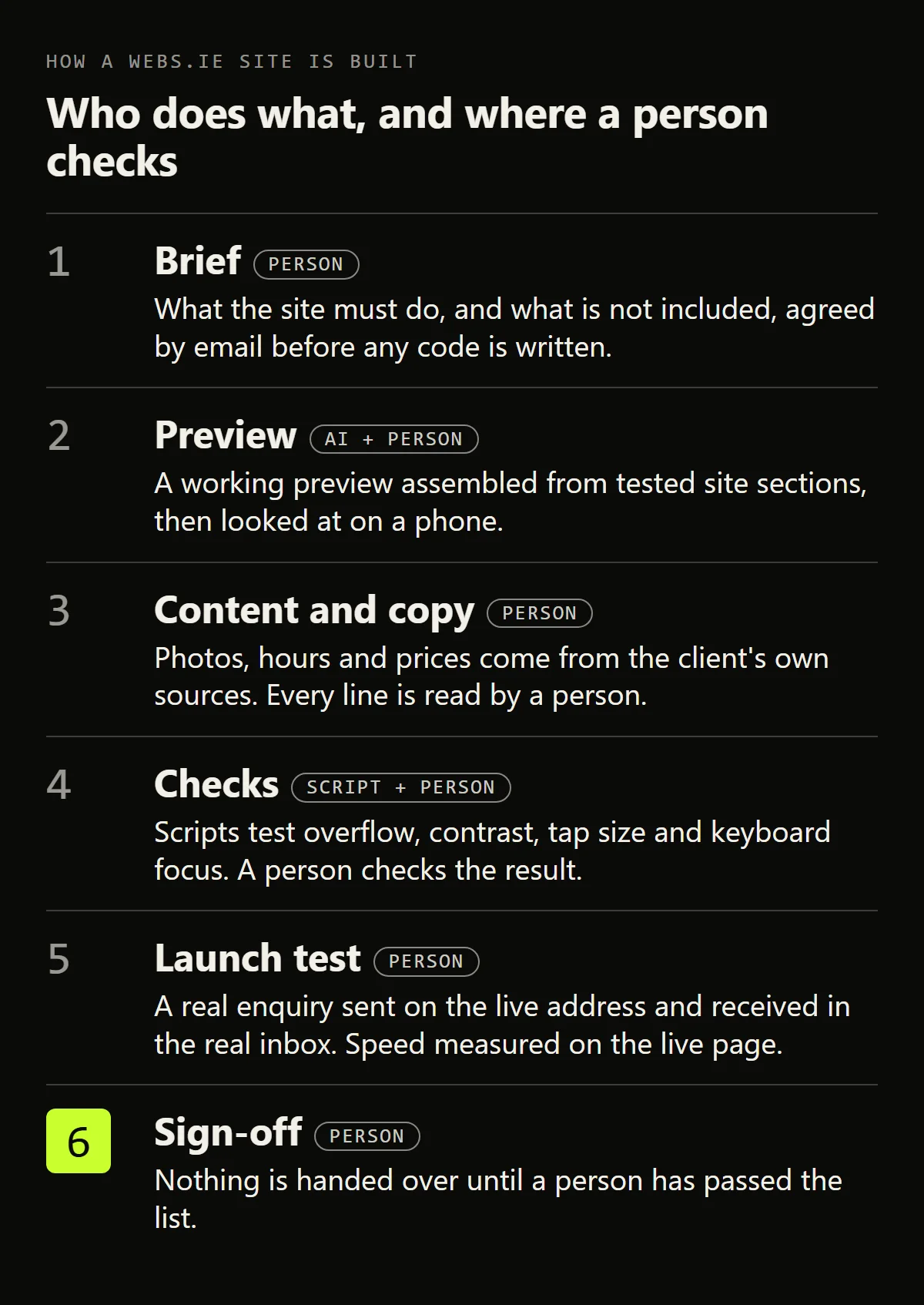
Step 1: the brief is written before any code
Before we start, we send one page by email: what the site must do when it is finished, which pages are included, who supplies the content, and what is not included in the price. The client's reply is the record. The "not included" line is there on purpose, because most disagreements about a quote are really disagreements about scope.
Step 2: a working preview from sections that have already shipped
Most of a small business site is made of parts that already exist: a menu, a cover section, a gallery, a contact form, privacy and cookie pages, a footer. We keep a catalogue of these, written in plain HTML and CSS, with four client colour-and-type themes. A new section enters the catalogue only after it has shipped on a real site. Our rule is that a fix made to a section is carried to every site that uses it. We ask the client before a fix goes onto their live site.
The assistant assembles a preview from the catalogue and the client's own photos and words. We reuse tested sections, then test them again in the finished site.
Arbour Hill Boxing Club is a case where the preview did the selling. They asked whether we could design a new site, we built a one-page version at no charge, they asked for two more, picked one and commissioned the rebuild (the full story).
Step 3: facts come from the client's sources, and a person reads every line
The facts on a site are the part a model cannot know. For Arbour Hill, the old site printed the training hours four times on one page, and the four disagreed. We did not pick one. We read the club's own Google Business Profile, which the club sets, and took the hours from there (read in August 2026). The new site prints them from a single place, so the timetable, the details search engines read and the FAQ cannot drift apart.
Copy follows a fixed order. A person writes the angle first: the point, the example, the thing only the business knows. The assistant tightens and structures it. Then a person reads every line against the client's own material and cuts anything that sounds machine-written or that nobody can source.
Step 4: scripts check the mechanics, then a person checks the result
A script runs against each section and fails if any of these break: sideways scrolling on small or large screens, text that is hard to read against its background (below 4.5:1 contrast, the WCAG minimum for body text), buttons and links too small to tap, missing keyboard focus outlines, or any call to another company's website or service.
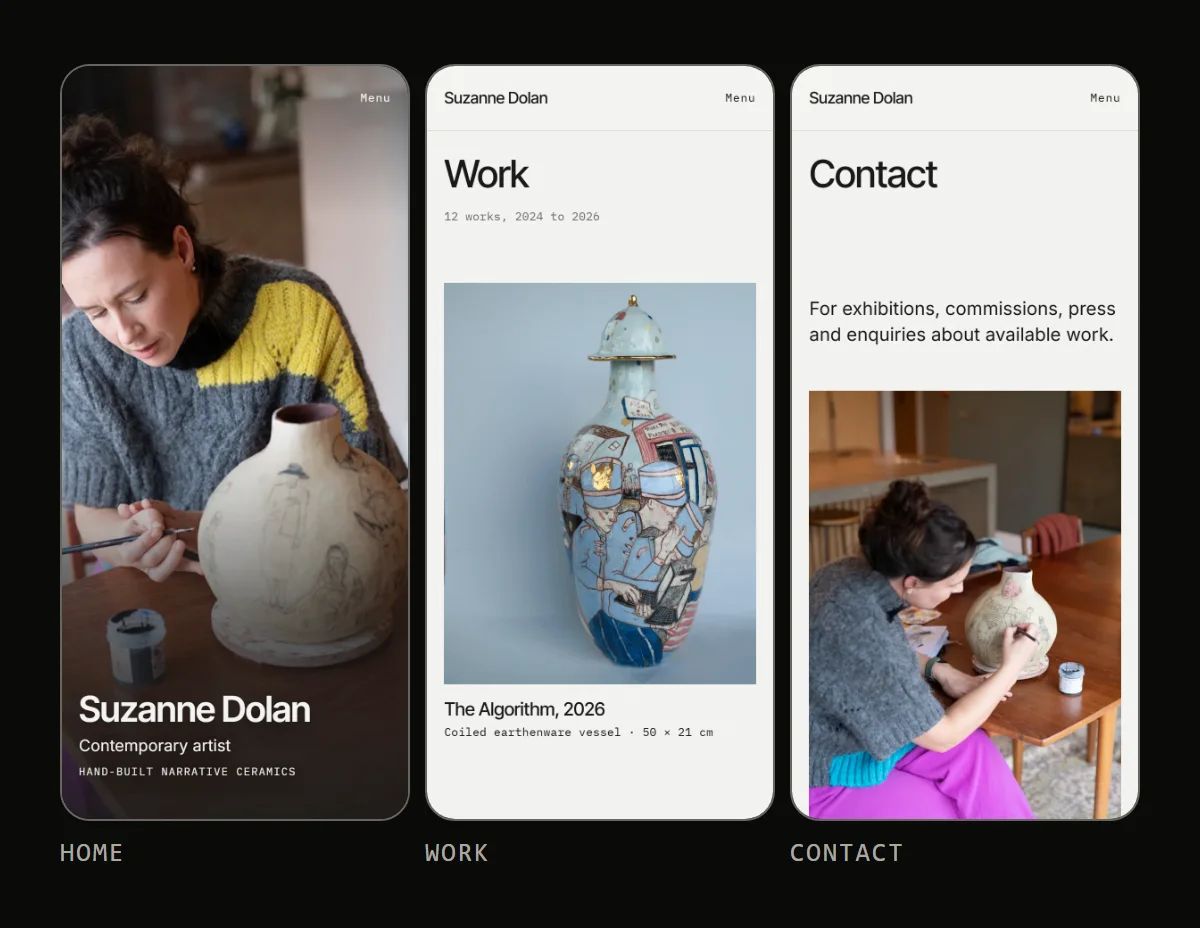
A script cannot judge whether a keyboard user can still find the menu, whether link text means anything out of context, or whether a form makes sense when something goes wrong. A person works through a ten-item accessibility checklist: tabbing through every page, watching where focus goes, zooming the browser to 200%, and submitting each form empty to read the error messages. Every page also gets looked at on a real phone, not a narrowed desktop window. Automated tools catch part of the problem. A clean report is the minimum, not a pass.
Step 5: launch test and speed, measured on the live page
Before handover we send a real enquiry through the form on the live address and confirm it arrives in the real inbox. We run Lighthouse, Google's free testing tool, on the live URL, because a staging copy can pass and the public page can still fail.
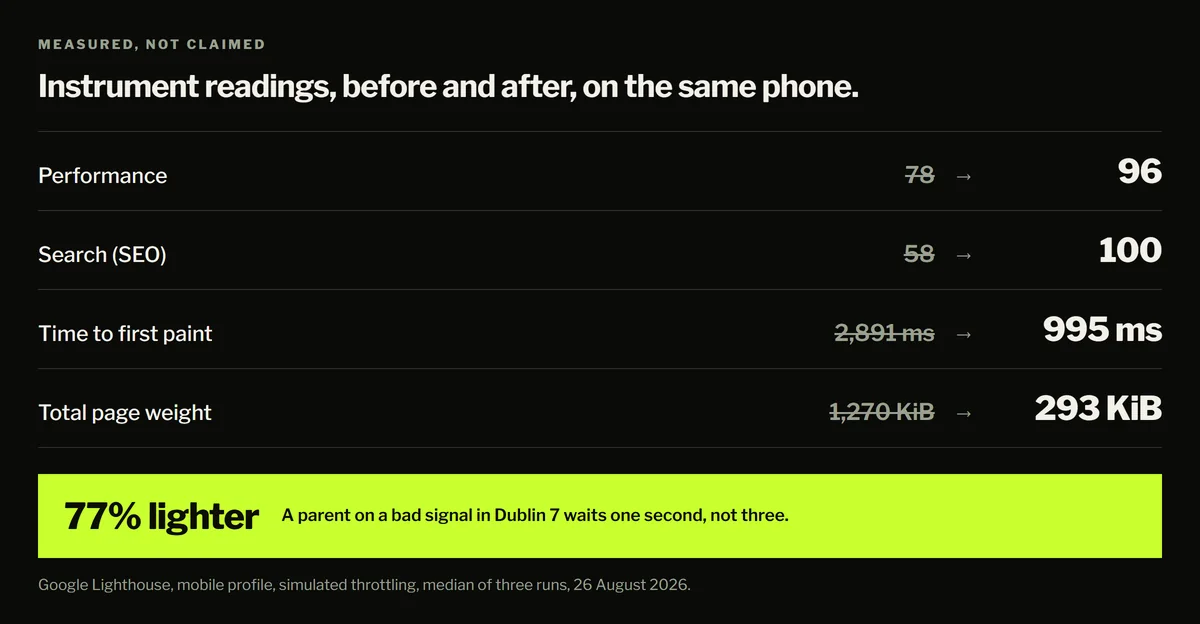
The Arbour Hill rebuild is our worked example. Lighthouse, mobile profile, simulated throttling, median of three runs on 26 August 2026: performance 78 to 96 out of 100, SEO 58 to 100 out of 100, first paint (when something first appears) 2,891 ms to 995 ms (about 2.9 to 1.0 seconds), page weight 1,270 KiB to 293 KiB (about 1.3 MB to 0.3 MB). Largest Contentful Paint, the moment the main picture finishes loading, went from 4,705 ms to 2,835 ms (about 4.7 to 2.8 seconds), which is still above the 2.5 seconds Google lists as "good" (web.dev). That is a trade the club chose, since it wanted its group photograph uncropped. Measuring made the trade visible, and we put the reading in the post instead of leaving it out.
Step 6: sign-off, handover and cookies
Nothing is handed over until a person has passed the list: the brief matches what was built, the enquiry test worked on the live address, the Lighthouse run is inside our bar, the accessibility checklist is done, a rollback plan is written, and the client knows how to change the one thing they will want to change themselves.
Every build on our price list includes a cookie banner from CookieBrain, our own product (webs.ie homepage, 4 November 2026). It scans a site for cookies and sets the banner up from the result (cookiebrain.app, 4 November 2026). It does not decide what the law requires of your business, and we do not promise legal compliance. Plans and prices for using it on other sites are on cookiebrain.app/pricing.
Questions to ask any web designer in Ireland
Whoever you hire, ask these five. A clear answer to each is worth more than a portfolio.
- Who writes the copy, and who checks the facts, such as hours, prices and addresses, against their source?
- Which parts are generated by AI, and who reads them before they go live?
- What do you test on a real phone, and what do you measure on the live page?
- Who owns the site, the domain and the hosting account when the job ends?
- What is not included in the price?
Frequently asked questions
Does AI build my website?
An AI assistant assembles the pages and writes the code. A person writes the brief, supplies the facts, reads the copy and signs the site off. We say so up front, because a client should know which parts a machine touched.
How much does an AI-assisted website cost?
We charge €299 for a one-page website and €599 for a small website, one-off (webs.ie homepage, 4 November 2026). There is no monthly fee on a build. Other web designers in Ireland quote on different scope, so compare quotes on the five questions above, not on the headline number.
How long does a build take?
The homepage promises a working preview within seven days once we have your photos and text (webs.ie homepage, 4 November 2026).
Can I add an AI chat assistant to the site?
Yes. What integration involves, what it costs and when a contact form is the better choice are covered in our chatbot integration guide.
